
NextGen Surfaces

NextGen AI Visualizer
See it in your room before you buy.

Take one photo of your room. Our AI finds the floor and the walls, and you tap through NextGen floors and wall panels to see each one laid in your space, in true perspective, in seconds.
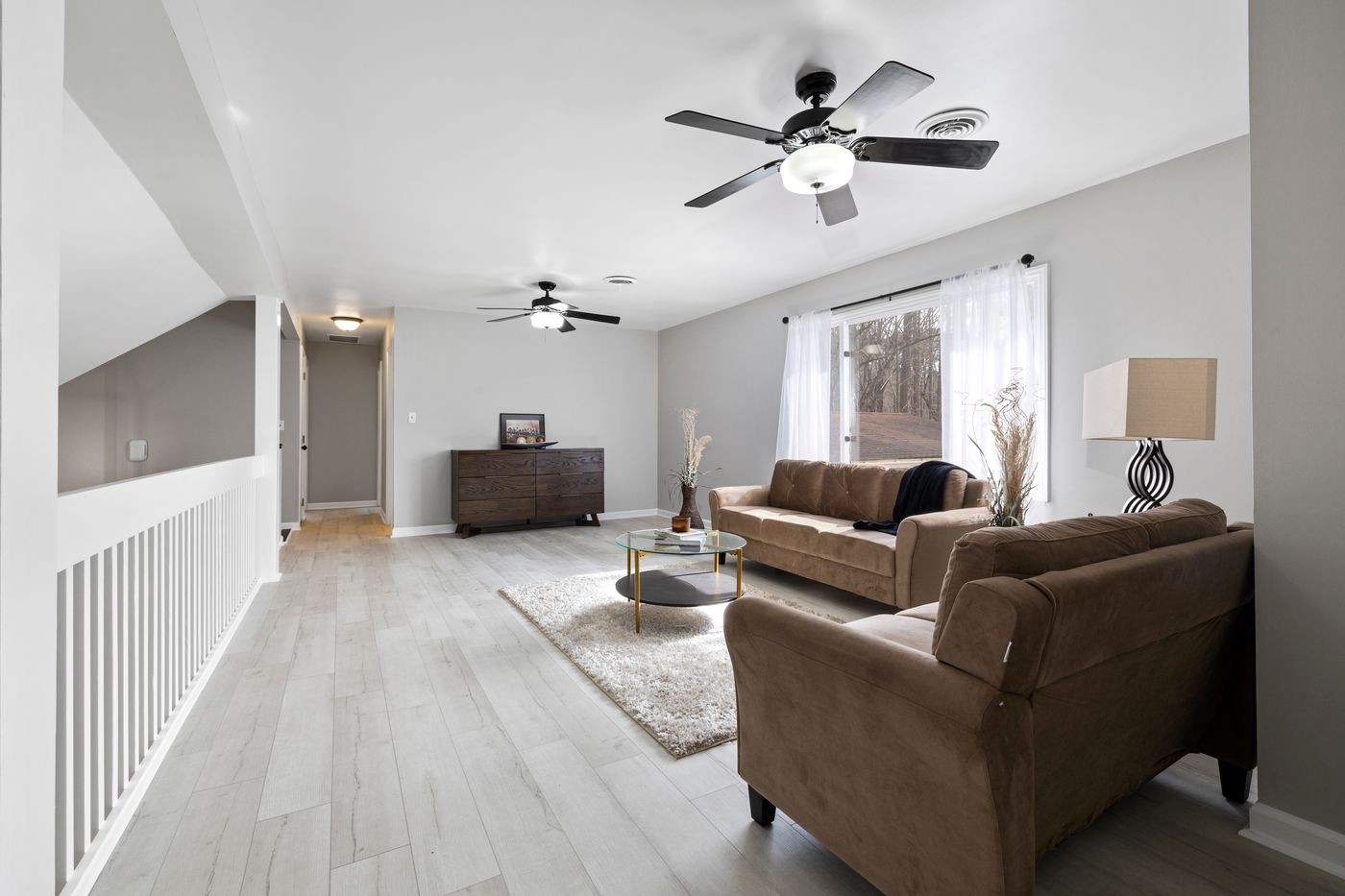
A living room photographed by a customer, with a NextGen floor laid in by the visualizerA customer photo with a NextGen floor laid in by the visualizer

How it works

No app to install, nothing to measure. It runs in the browser on a phone or a computer.

1Take a photo of your room

Stand at the doorway and get as much floor in the picture as you can. Or start with one of our sample rooms.

2The AI does the rest

It works out where the floor and the walls are, keeps your furniture, rugs and shadows exactly where they are, and lays the planks in the right direction and size.

3Tap through the colours

Compare two floors side by side, turn the planks, try a wall panel, then save the room, share it, or order a sample of the one you like.

Pick a product to begin

Choose a category, then a colour. The visualizer opens with it ready to place.

Loading products…

Add this to your website

If you sell NextGen Surfaces products, the visualizer is free to put on your own website. Your customers see your logo and colours, and every sample and quote request lands in your inbox.

  • One line of code. We send you the install kit; your web person adds it in minutes, or use our WordPress plugin. Nothing is hosted on your server.
  • Your brand. Your logo, your accent colour, your quote and sample links.
  • Your leads. Name, email and phone for every sample or quote request, straight to you.
  • Product pages that sell. On a product page the button opens with that exact floor selected.
  • Locked to your site. Each account works only on the website we set up for you.

Already a NextGen dealer? Ask your sales rep, or use the form. We set you up and email the kit, usually the same day.

Request the visualizer for your website